Hanging out at Kirby’s Lane

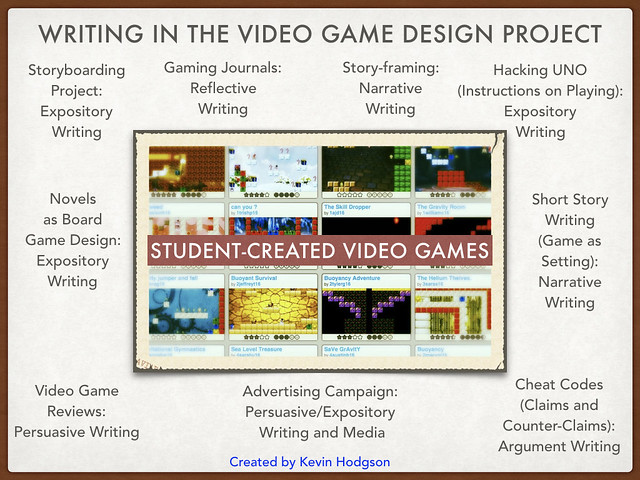
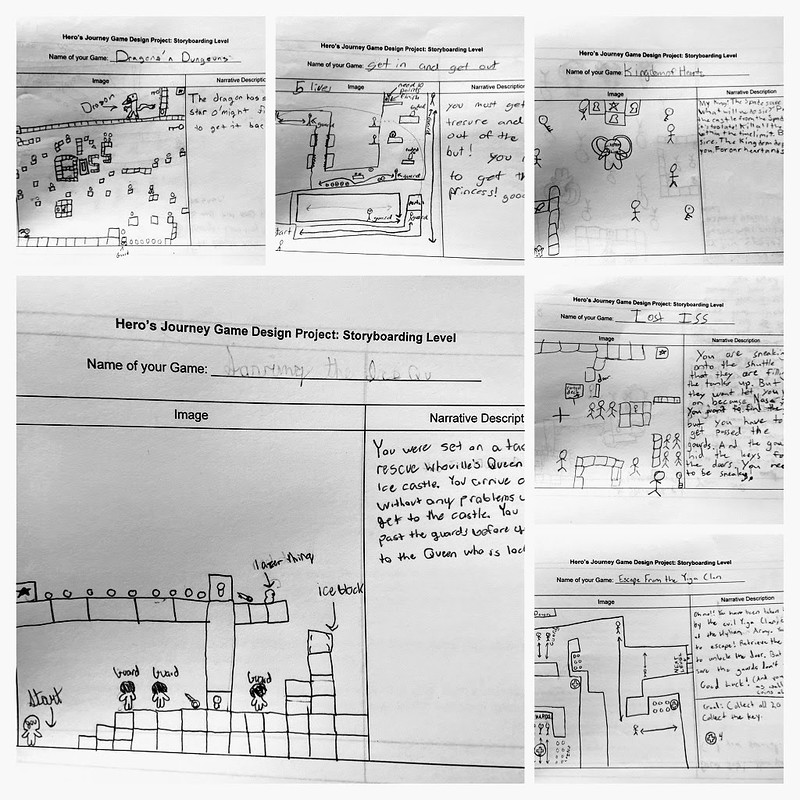
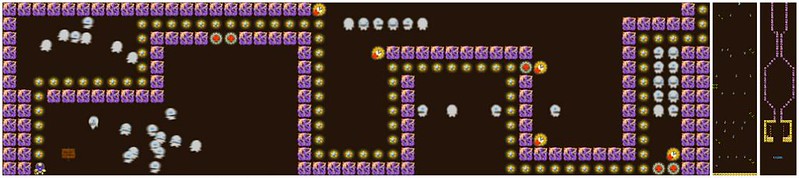
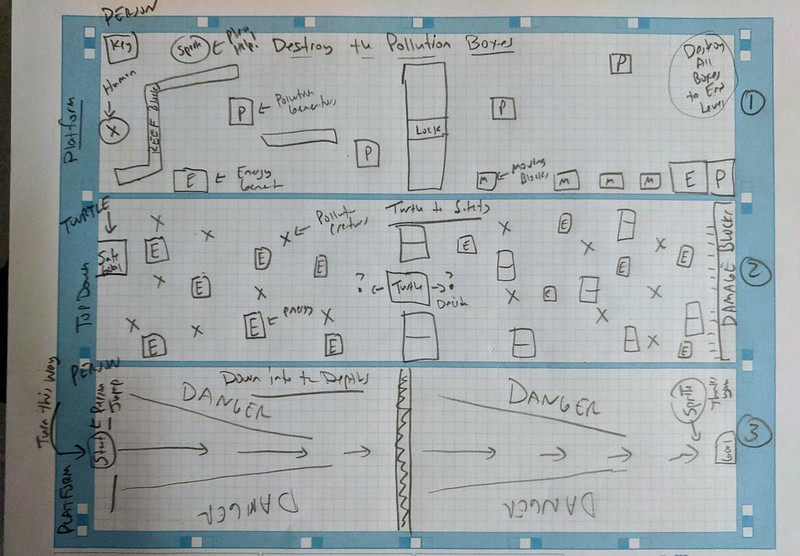
I had the good fortune to be asked by blogger Kirby Larsen to “sit” for an interview about my work around teaching video game design in the classroom. Kirby runs a regular feature at her blog in which she features teachers, so I was honored that I was asked. I didn’t realize that I was going to travel down memory lane to my childhood for the first part, but that was fun, and it got me remembering my own sixth grade teacher, Mr. Dudak, again.

Head over to Kirby’s Lane to check out the interview

And thanks to Kirby for thinking of me!

Peace (in the blogging connections),
Kevin


Composing Interactive Fiction 3: Story Choices and Twine

(Note: This is part of a short series I am sharing about trying out Interactive Fiction as a writer. On Sunday, I shared out the overall experience. Yesterday, I shared outthe first story that I wrote, and well as provided some advice on how to play it. Today, I went in another direction, using a free software program called Twine. Later in the week, I will try to share out resources that I have discovered and maybe tinker with some other Interactive Fiction possibilities. – Kevin)

IF FictionPage

I found Twine, a free software program that allows you to make Interactive Fiction, from my friend, Chad, in one of his comments at my blog this week. (Twine is also the name of the new Twitter video app, but they are different programs altogether.) Twine is a program that allows you to map out choices that a reader might make in a story, and then it moves them along various story arcs via hyperlinks. It’s a sort of Make Your Own Ending program.

Here is a map to a story that I created, called Here There Everywhere. I like the visual element of story construction and Twine uses that interface as its main element of design of writing.

Twine

Twine is very different from Inform, which is the software unpinning of Playfic, which I used earlier this week.

In Playfic, the reader/player needs to know the commands that will move you through an environment. It is very language-based. With Twine, you just need to make a choice and follow the link left by the writer. In terms of true Interaction Fiction, I think Playfic is the better choice because it becomes more of a game than just a story. In terms of ease of use, Twine wins hands-down, although it is less of game and more of a story.

And as I think about how to bring this idea of Interactive Fiction into my sixth grade classroom for a writing experience, Twine takes the cake. If you learn just a few simple steps, you can be writing a story within minutes. (But Playfic might be a logical extension activity for some students who “get it” and want more. See my story — What To Write With When You Are Writing story as my own example from the other day.)

A nice thing about Twine is that it resembles an HTML editor in a lot of ways, so you can embed video, images, audio, etc, as long as they are hosted somewhere online. You can then embed the code right into the story. I did that with my story by adding a video intro and outro to the my story, just as an experiment, and it worked like a charm. One issue with Twine (but not with Playfic) is that the program lives on your computer, so if you want to share your story with the world, you need to host it online. Twine does its part to make it simple, though, by creating your story in a single HTML file.

Here’s an easy way to host your file. Use the new Google Drive feature. (Essentially, you create a public folder and pop the HTML file in there, and share the preview link.) That’s what I did with my Twine story. It’s a relatively simple and pretty effective way to host a HTML file. The guy who developed Twine has also developed a bunch of easy-to-follow video tutorials and Chad pointed me to another post that has an easy walk-through of the basics of Twine.

Check out my story: Here There Everywhere.

Let me know what you think of the story and my reflections. I’m sorting this out as I go, inspired by NWP friend Jason Sellers post on NWP’s Digital Is about Interactive Fiction.

Peace (in the storybuilding),
Kevin


Composing Interactive Fiction 1: Writing with Frustration and Exhilaration

(Note: This is part of a short series I am sharing about trying out Interactive Fiction as a writer. Today, I am sharing the overall experience. Tomorrow, I will share the first story that I wrote, and well as provide some advice on how to play it. Later in the week, I will try to share out resources that I have discovered. – Kevin)

I’ve had the idea of trying out Interactive Fiction on the back burner for a long time — at least two years. I even bought a large resource book about Inform (the software built for Interactive Fiction) and did a little bit of research on text-based gaming adventures, but then lost that thread of interest. I can’t say why. I was/am intrigued by the use of writing and language in a gaming system that is not visual, which is such a difference from the video games kids are playing now. Interactive Fiction reminds me a bit of Choose Your Own Adventure stories, mixed with a Dungeons/Dragons map idea and computer programming thrown in (you don’t program code, but it can feel that way at times.) But wrapping my head around the concept was difficult.

Then, I saw this post over at the National Writing Project’s Digital Is site by Jason Sellers, explaining how he brought Interactive Fiction into his English classroom, and I got intrigued all over again. While Jason’s high school students are older than mine, I began to wonder what using Interactive Fiction might look like in my sixth grade classroom. Could it work? On the surface, it seems a nice fit: writing and technology and critical thinking, plus publishing for authentic audience. And Jason’s post turned me to a site called Playfic, which is built off the Inform platform, but seems easier to use.

Or so I thought.

The reality is that I needed to dive in myself and figure out what composing Interactive Fiction is really all about. The result was a lot of frustration and then intense exhilaration, and yet, I am still unsure of how I can bring this into the classroom. The frustration began with my story construction. I had this idea of a story in which the player has to choose which writing device to use for getting an idea down: a Tablet, a PC computer or paper and pen. Each device is in a room off a hallway. I drew out a map (see above for a version of the map) to help me think it all through, and then read/played a few stories on Playfic (including Jason‘s). I thought I had the concept down.

I was wrong.

But each time I tried to build my story, I got error messages from Playfic.  Lots of error messages. The messages, by the way, are very helpful, on one hand, because they are written in a way that feels as if a guide is sitting next to you. I appreciated that. But for an inexperienced IF writer like myself, there were a few messages that I just could not make heads or tails of, and it was no doubt a reflection of my lack of background knowledge in the structure of the Inform code that Playfic is built upon. Later, I was reminded  of a message on the homepage of the site, which tells the writer that:

Writing Playfic games may look like English, but it can be confusing.

You got that right.

I thought I was doing it correct but I apparently wasn’t, repeatedly, and I could not for the life of me figure out what was wrong with my writing. Was I missing a word? A punctuation? Was that sentence phrased right? Was it my syntax? It was a bit of a feeling of getting a research paper back in college where you were told you had done it wrong, but the advice to make it better was undecipherable.

Looking back, it is clear that I had not grasped (and maybe still don’t) the nuance of the language of Inform/Playfic, and how specific words have specific meaning/power. I almost gave up on my story at that point, and then I was struck with a better idea. Why not use Playfic’s option for looking at the code of other stories, grab someone else’s story, and then rebuild it off the basis of that?

So, I did.

I became an Interactive Fiction thief, which is acceptable practice at Playfic (every story comes with a link to the “cheat code” so you can examine what a person did to build a story to learn from that experience). And it worked, and when it worked, I felt this wave of triumph that comes from hitting a wall and then finding a way to scale that wall (even if you use the ladder left behind by the person in front of you). My story worked. (And I will share it out with you tomorrow.)

The larger question: could I bring this to my classroom? I don’t yet know. It seems like I would need to plan for a simplified process that allowed students some success early on, and then have them emulate (steal) coded stories to build their own. That runs the risk of every story reading the same, though. Still, I remain intrigued by the possibilities and appreciate that Playfic has built a site that opens the door to experimentation. (and thanks to Jason for his post)

Peace (in the fictional paths),
Kevin


Get “The Game Design Learning Kit”

I stumbled across this free Game Design Kit for instituting game design into the classroom. It’s a pretty comprehensive document from The Learning Games Network that is worth a gander if you are wondering about gaming and learning. It’s not so much about Video Game design, but more about game design in general, and there’s a lot to be said about finding ways to move elements of that (if not the entire unit, which stretched out weeks) into curriculum planning.

“The process of game design looks very similar to thoughtful research and and creative development activities you likely already incorporate into your teaching. It requires students to exercise conceptual, critical, strategic and creative thinking, communication, collaboration, and planning skills.” — from the kit

The kit (a pdf file) is free, but you have to join The Learning Games Network blog (so maybe it is not so free). There are some good resources and links off the site, thuogh. And this video is worth a watch as kids at Stanford explain their Game Design Jam challenge:

Peace (in the game),
Kevin


Game Spotlight: Solar System Adventure

Here is a student who really “got it” when it came to game design. Sure, the game is a bit long (and he worries about that) but the challenges and puzzles built into the gameplay were far more advanced than other students were doing. I see him as someone who has the interest and talent for future game design work.

Peace (in the game),
Kevin


Gamestar Responds; Students, Ecstatic

gamestar responds


“They read our comments? They’re talking to us? Here? In Southampton?” — a student.

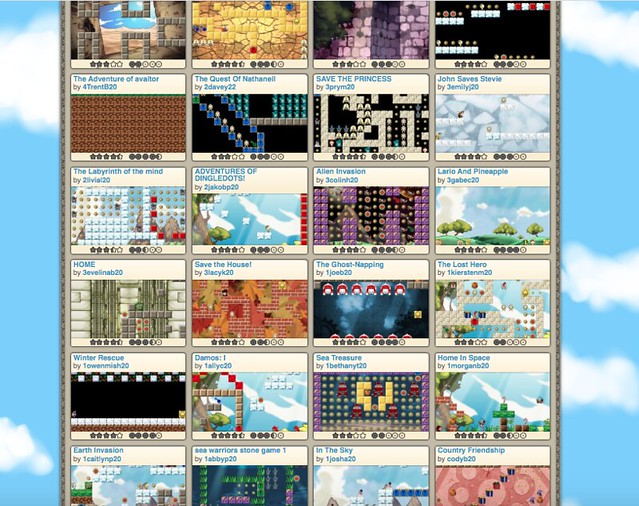
As part of the writing component to our video game design project, students wrote a collective letter to Gamestar Mechanic to provide user feedback and offer up suggestions for the site. Yesterday, I shared with them a video response put together by Brian and Katya, from Gamestar Mechanic, in which they went through each of the main points. My students were so excited that someone had not only read their comments but were offering a response back to them. The video is about 8 minutes long (and private, so I won’t be sharing it) and my students were rapt and attentive as they listened to Katya and Brian chat with them, via a video screencast.

It was a real case of authentic writing for authentic audience, and it reminded me again how powerful that experience can be for young writers. Here, they were making a case for improving a game design site, and their suggestions were being listened to, considered and possibly even put into action in the future.

Thank you, Gamestar, for taking the time to interact with my students, to read their writing, to be part of the learning experience outside of the site itself. I appreciate it. And so did they.

Peace (in the interaction),
Kevin


Student Reflections: Advice to Gamestar Mechanic

Improving Gamestar
My students love using Gamestar Mechanic to learn video game design. But they also expressed questions about features and abilities that do not exist in the site. So, I figured, why not give them an opportunity to express those wishes for improvements to the Gamestar Mechanic folks directly? I was thankful when I got a response from Gamestar folks, asking me to send along the student reflections and advice. There’s nothing like a real, authentic audience to spur some solid thinking out of my students.

Here is the letter we composed, with information from a reflective survey tool that we used:

                                    December 2012
Dear Gamestar Mechanic Developers,

Our sixth grade classes have been immersed in video game development for the past three weeks, working on learning how to design and publish games via Gamestar Mechanic as they work on a science-based video game project. Your site has been incredibly useful to us as we learn about games while playing games. As we neared the end of the project, we wanted to offer you, the developers, some feedback from us, the users. As part of a survey, we were given the chance to offer up some suggestions. We’re including some of the writing as well as some of the themes that came through in our writing, in hopes it might help you think about Gamestar Mechanic and consider possibilities. We connected this writing to you with our own efforts to gather feedback from users on our games in order to make them better. Perhaps our feedback might be valuable to you. We hope you find our reflections useful. Or, as one student wrote in capital letters: GET YOUR GAME ON!

Sincerely and with appreciation,

Mr. Kevin Hodgson and the sixth grade class at the William E. Norris Elementary School
34 Pomeroy Meadow Road
Southampton, MA 01053
http://epencil.edublogs.org

Some themes that came up in a lot of responses:

  • Adding the ability for two players (multi-players) to play collaboratively in a single game at the same time
  • Having collaborative tools across two different accounts (ie, building a game together)
  • Uploading and/or creating own music soundtrack
  • Creating own sprites (avatars) for game play
  • Chatting with other designers while creating a game
  • Adding more color choices on damage blocks
  • Adding a third style of game (beyond top-down and platformer)
  • Creating profile pictures or avatars within Gamestar
  • Wondering about an app version for mobile devices?
  • Downloading a version of the game to the desktop

And here are some of the notes from students:

I really liked building and playing games, and that was really different for me, since I don’t usually play any video games. One thing I didn’t like is how design options are limited: you can do a platform or top-down game. To make this more interesting, I would like to be able to design my own avatars, enemies and blocks as much as possible. Also if I was able to download my own music for the soundtrack that would be really cool. But overall I really liked your website!

I think Gamestar Mechanic needs to let kids not pay to become premium member. They should add new characters. They should make all challenges not to expire at all because I didn’t have an account in spring and I wanted to do the spring challenge and it expired.

I think Gamestar Mechanic was a great experience. I wish that the game design could be 3D. I thought it was great.

To improve Gamestar Mechanic, I would make an icon or box on the website to show the gamers how you can earn more avatars, like how to earn the text box or the shooter gun. Show them what challenges to do to earn more things in your workshop. I LOVE Gamestar Mechanic how it is now anyways.

I really like this website and I normally hate any computer games. The only suggestion I have is to allow multiplayer games and allowing multiple people to make one game. That’s really it I love this website keep up the good work!!!

I feel you should include multi-player like the option to make your game multi-player so that when you publish it then you can go on at the same time as someone and then play against them like see who can do it the fastest. Also, you should include chatting so that if you’re on at the time as someone else and you have multi-player, then you could ask them if they want to play a game with you. That’s what I think you should include in Gamestar.

I enjoy the website as it is but, I think that it would be nice to be able to add our own sounds into our games. It would bring more life to the game and it may be easier for people to see the story of the game.

A good idea would by adding custom sprites for people to make the game a little different from others and maybe eventually, you might want to add a 3-D aspect to the games.
What I think is that they should let you design your own sprites, ride animals, and go on completely different quests.

I think that you can make this site even better by making things a tiny bit more realistic. Some examples are the backgrounds and the avatars. There should be a bigger variety of blocks, enemies, and avatars.

Peace (in the feedback),
Kevin


Living the Manual to Understand the Instructions

I found this passage from a recent blog post from James Paul Gee fascinating, and harkens to discussions I am having in my classroom right now as we dive into video game design. It has to do with manuals to play games, and whether gamers read them or just jump in. Gee notes that, as cold reading, manuals make almost no sense. You have to experience the world first before the instructions can be helpful. This is so different from other kinds of reading, right?

Check out Gee‘s thoughts:

If you try to read a video game manual before you have ever played a game, you can, at best, associate definitions and paraphrases with the words in the text.  The manual is boring and close to useless, when it is not simply inexplicable.  If, however, you play the game for hours—you do not have to play at all well—then when you pick up the manual again everything will be clear.

Now you will be able to associate images, actions, experiences, goals, and dialogue from the game with each of the words in the text.  You will have lived in the world the manual is about and will know how the words of the text apply to that world to describe it and allow you to solve problems in it.

The same thing is true for any text, for example, for a middle school science text.  If you have lived in (mucked around in) the world it is about and applies to, you have situated understandings for the words in the text and can use the text to facilitate problem solving.  If you have not had such experiences, then all you have, at best, are verbal meanings.   These may be fine for passing skill-and-drill paper-and-pencil tests, but they are not fine for deep understanding or problem solving.” — James Paul Gee, at http://www.jamespaulgee.com/node/64

Peace (in the thinking of reading),
Kevin